
Advertisement
Click to download now, finish the installation quickly, and directly unlock the all-round experience
Advertisement
Screenshots
Click to download now, finish the installation quickly, and directly unlock the all-round experience
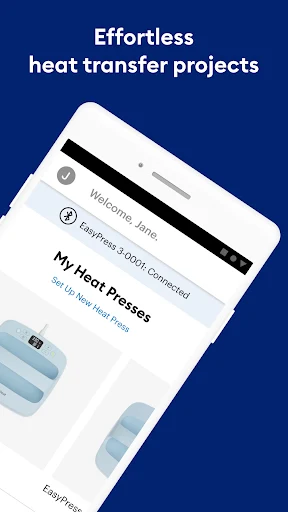
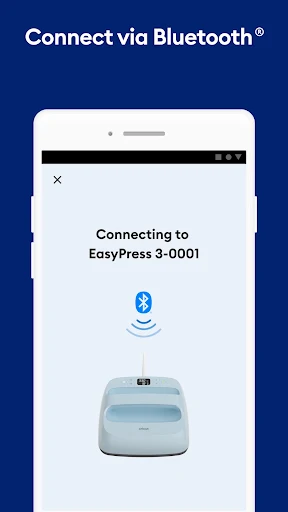
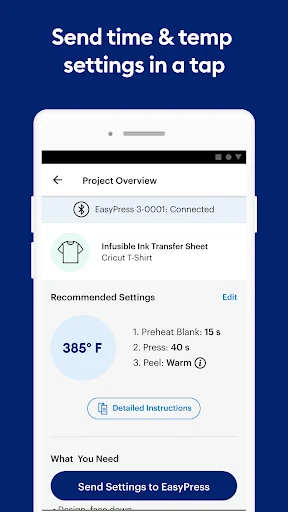
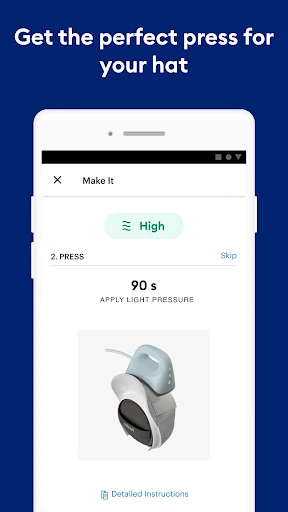
Cricut Heat helps plan heat-transfer projects and operate a compatible press. Choose the materials and item you’re decorating, and it provides project settings and instructions; with Bluetooth, you can send settings to a Cricut EasyPress 3 or Cricut Hat Press. It’s for owners of those models, not a general heat-press guide.
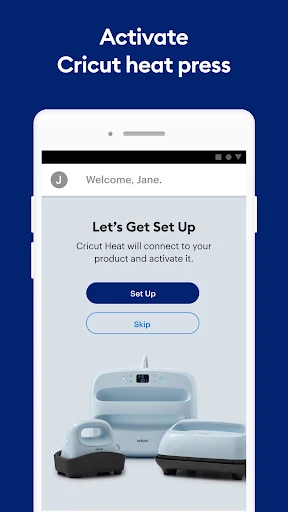
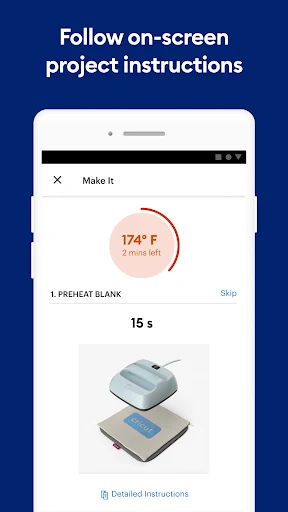
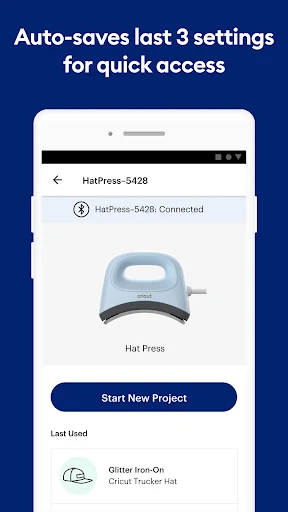
The app walks through the project workflow, including preparation and peeling, and can show a supply list and material order. You can enter custom settings, return to your last three saved settings, and receive notifications about press firmware updates. It also supports setting up and activating a press, with a Cricut ID.
The main cost is dependence on compatible Cricut hardware: without an EasyPress 3 or Hat Press, the central controls won’t help with another press. Setup and project instructions also take time to follow, though that guidance may be useful if you want help choosing settings. An account is part of the setup; the supplied information doesn’t explain what personal data the app collects or how it is used. No storage size is provided, so the space cost is hard to judge.
Cricut Heat has 100,000+ installs, but its 2.87 rating across 294 ratings is a reason to check whether the app suits your setup before relying on it. If you own one of the supported presses and want settings and step-by-step project guidance in one place, it may be useful. For other press models, Cricut points users to its online heat guide instead.